

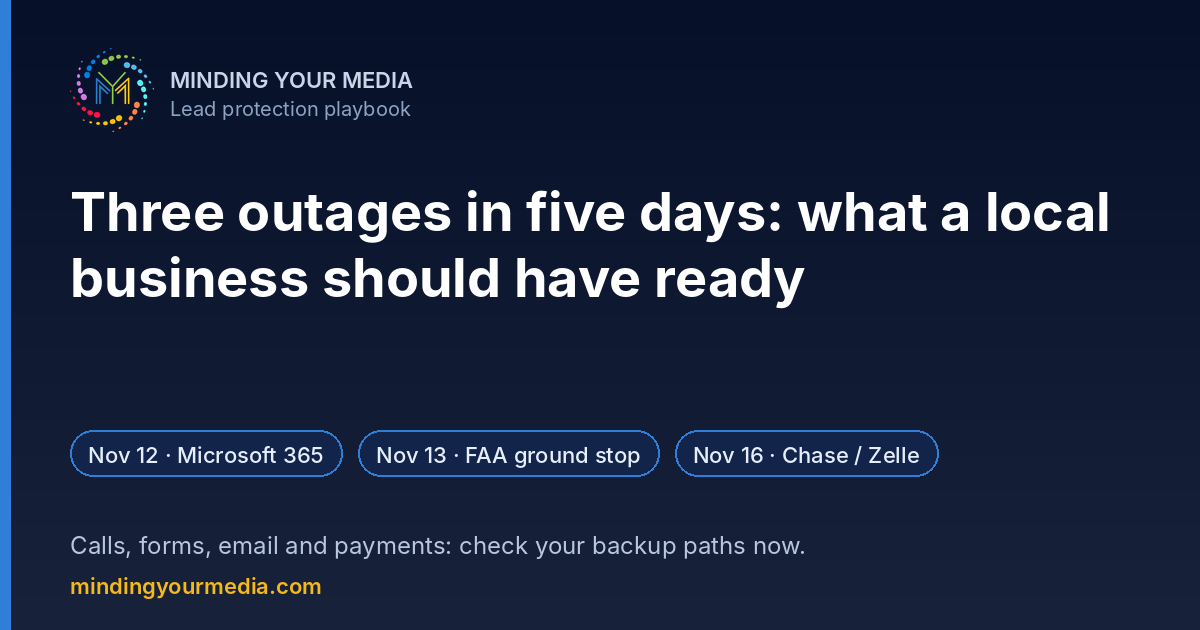
In five days, three big systems went down. None of them were related, none were reported as cyberattacks, and none of them had anything to do with your business. And yet each one could have cost a local business leads.
Here's what happened, in plain terms, and the short list of things worth having ready before the next one.
What actually happened
Thursday, Nov. 12: Microsoft 365. Outlook, Exchange Online, Teams and Copilot went down for a large share of business users for several hours. Microsoft said a number of servers became unexpectedly unavailable, which overloaded the rest. As of this writing it hasn't published a final root cause, and it has disclosed no evidence of an attack. We covered what the Microsoft outage meant for lead follow-up.
Friday, Nov. 13: FAA nationwide ground stop. The FAA stopped departures nationwide after a telecommunications failure hit its air traffic control network. Transportation Secretary Sean Duffy said a contractor was swapping old copper lines for fiber at a remote facility in Arkansas, and a newly installed router overloaded the network. A full root-cause analysis is still under way. Read our take on bolting new tech onto old systems.
Monday, Nov. 16: Chase online banking and Zelle. Thousands of Chase customers couldn't get into online banking. Chase called it a technical issue, not a cybersecurity problem. Customers at other banks also reported trouble, mostly on a smaller scale and mostly when sending or receiving Zelle payments to or from Chase.
Why it matters to a law firm, med spa or home service company
You don't run an airline or a bank. But your lead flow almost certainly runs through somebody else's system: your email provider, your phone carrier, your form tool, your CRM, your payment processor. When one of them stops, the customer on the other end doesn't know or care whose fault it is. They just call the next name on Google.
The pattern in all three outages is the same: one piece failed, and everything that depended on it stopped with it.
The "have it ready" checklist
Phones
- Know where your main number forwards if your office line or VoIP system goes down, and test it once a quarter.
- Have a voicemail greeting ready that gives a second way to reach you (a cell number or a text line).
- If you use an answering service or AI receptionist, confirm it doesn't depend on the same system that just failed.
Website forms
- Make sure form submissions land in two places, for example your CRM and a backup inbox on a different provider.
- Submit a test lead this week and time how long it takes to reach a person.
- If your business email is on Microsoft 365 or Google Workspace, decide now who will check form notifications another way if it goes down.
- Keep a short list of your top open leads and active clients somewhere you can reach without your email.
Payments and deposits
- If you take deposits or retainers, have a second way to accept them and a short message ready for customers if one method fails.
- Remind customers you will never ask them to pay through a new link or app during an outage. Scammers tend to show up right after big ones.
Communication
- Have a one-line Google Business Profile post and a website banner ready to go: "Our email is delayed today. Please call or text us at [your number]."
- Decide who on your team owns this plan. If the answer is "everyone," it's no one.
The point isn't fear. It's coverage.
Big outages are rare, but they're not getting rarer. The businesses that come out ahead aren't the ones with fancier tools. They're the ones that thought through, ahead of time, what happens to a new lead when one tool stops.
If you want a second set of eyes on that, start with our free growth audit checklist, or see how our AI Front Desk keeps answering and following up when your team can't.